
The best VDS hosting gives dedicated-like performance, tight security, and steady, low-latency speed.
If you want power without the cost of a full server, the best vds hosting is a smart choice. I have tuned and migrated many sites, apps, and stores to VDS over the years. In this guide, I show how to choose, test, and run the best vds hosting with clear steps and real examples. Read on to make a safe, fast, and cost-effective pick.
What is VDS hosting?
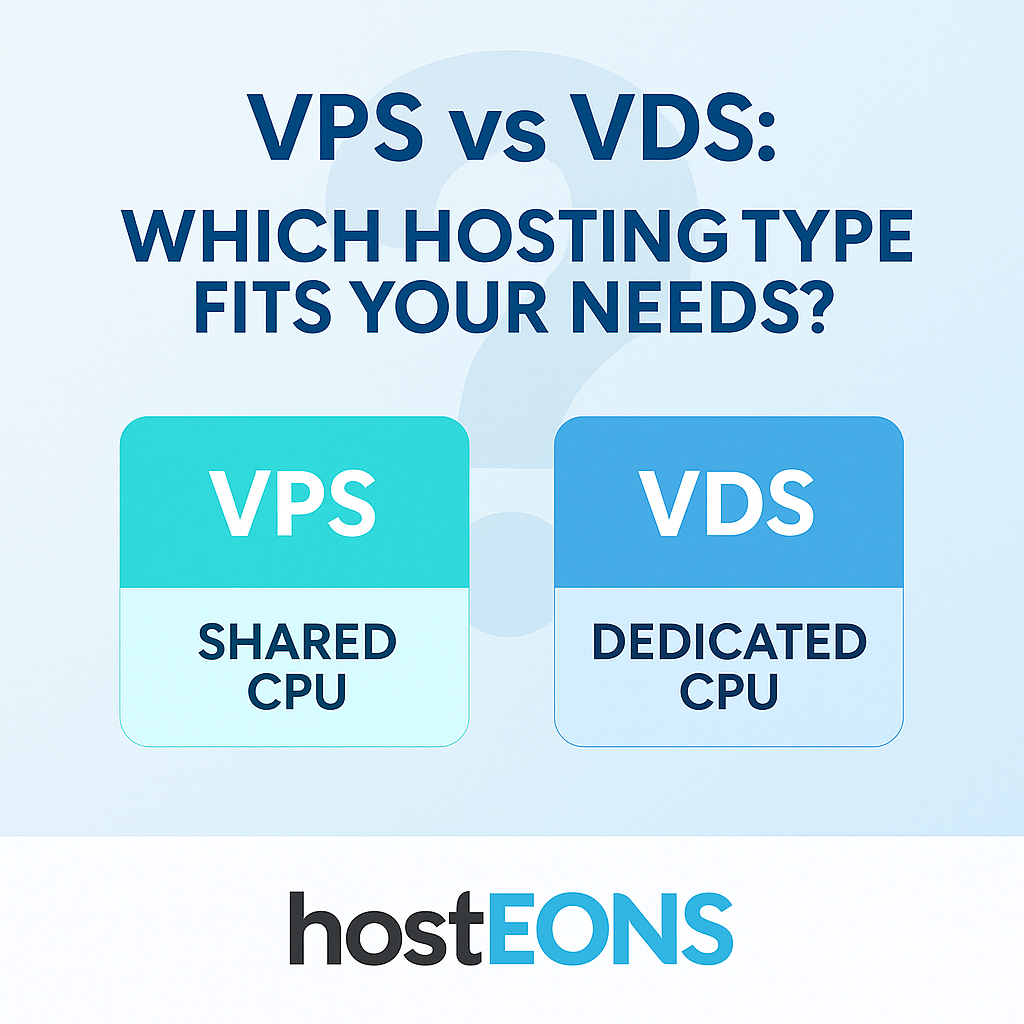
Virtual Dedicated Server hosting sits between VPS and dedicated servers. You get isolated CPU cores, RAM, and storage, so noisy neighbors do not slow you down. It feels like bare metal, yet it stays flexible and easier to scale.
The best vds hosting gives you set vCPU, reserved memory, and fast NVMe storage. It also offers strong network speed, private networking, and strict resource isolation. You manage the OS, firewall, and apps, like you would on a dedicated box.
Use cases include busy sites, game servers, SaaS apps, and large databases. Teams with compliance needs also like VDS because they get stricter tenancy and better audit trails.

VDS vs VPS vs Dedicated
VPS shares host resources in a flexible pool. It is cheap but can suffer under peak load. Dedicated gives you full hardware but costs more and needs more care.
VDS is the middle ground. The best vds hosting gives set resources and better isolation than most VPS plans. It beats VPS in steady speed and beats dedicated in price and agility.
Pick VPS for small sites, VDS for growing apps, and dedicated for extreme jobs. If you feel random slowdowns on VPS, VDS is the next step.

Key criteria to judge the best VDS hosting
Start with core metrics. The best vds hosting should be fast, stable, and safe. Use this checklist when you compare plans.
- Compute and memory Make sure vCPU cores are reserved, not shared. Look for ECC RAM and clear memory allocations.
- Storage and IOPS Choose NVMe SSD for high IOPS and low latency. Independent tests show NVMe can be several times faster than SATA SSD in mixed workloads.
- Network and routing Check 1–10 Gbps ports, low global latency, and multiple transit providers. Ask for peering and route optimization where you serve users.
- Uptime and SLAs Aim for 99.99% uptime or higher. Review SLA credits and how they are applied.
- Isolation and security Ask if CPU pinning or cgroups isolate resources. Seek DDoS protection, private VLAN, and kernel live patching options.
- Backups and snapshots Confirm offsite backups, snapshot speed, and restore tests. Test a full restore before go-live.
- Control and panel Pick between managed and unmanaged. Look for clean APIs, Terraform modules, and a secure panel with MFA.
- Support and response times Verify 24×7 support, live chat, and ticket SLAs. Ask for escalation paths and on-call engineering.
- Compliance and regions Check data center certifications. Choose regions close to your users for better TTFB.
- Transparent pricing Look for clear bandwidth, backup, and snapshot costs. Avoid surprise fees for overages.
When I audit vendors, I run a short proof-of-concept. The best vds hosting proves itself with real tests, not promises. Keep notes so you can compare apples to apples.
My field-tested picks by use case
I avoid one-size-fits-all lists. The best vds hosting depends on your load, stack, and budget. Here is how I match needs to features.
- High-traffic WordPress Stack tuned VDS with NVMe, Redis, and HTTP/3. Look for free CDN rules and easy staging.
- E-commerce Predictable CPU, TLS offload, and fast IOPS. Confirm PCI-friendly features and WAF options.
- SaaS and APIs Private networking, autoscaling nodes, and service mesh support. Seek per-project firewalls and zero-trust access.
- Databases Fast local NVMe or networked NVMe with high IOPS. Ask about NUMA pinning and backup throughput.
- Game servers High single-core speed and low jitter. Look for regional POPs and anycast DDoS layers.
I once moved a retail app from a crowded VPS to VDS. Checkout time dropped by half. The only change was better CPU isolation and NVMe speed. That is the power of the best vds hosting.

Performance benchmarks that matter
Do not trust marketing charts. Test your own stack. The best vds hosting will shine under real load.
- CPU Run sysbench CPU or Geekbench for a quick check. Watch for sustained scores, not just bursts.
- Disk Use fio to test random read and write. Pay close attention to latency at queue depth 1–4.
- Web stack Use wrk or k6 to load test with TLS. Track requests per second and p95 latency.
- Database Test pgbench or mysqlslap on the actual schema. Note p95 and p99 response times.
- Network Use iperf3 and MTR to measure throughput and route stability.
Independent labs show that NVMe and modern kernels can cut tail latency a lot. Your stack may gain more from storage and kernel tweaks than from extra cores. The best vds hosting gives both fast hardware and sane defaults.

Setup, security, and management tips
Strong defaults go a long way. These steps have saved me many late nights.
- OS and kernel Use a stable LTS OS and enable automatic security updates. Consider kernel live patching if offered.
- Access Lock SSH to keys, change the default port, and enable MFA on your panel. Use a jump host or VPN for admin.
- Firewall Deny all by default. Open only the ports you need. Use per-app rules, not catch-all rules.
- TLS and HTTP/3 Use modern TLS ciphers. Enable HTTP/3 for lower latency on mobile.
- Observability Install metrics, logs, and uptime checks on day one. Alert on CPU steal time and disk latency.
- Backups Follow 3-2-1 rules. Test restores often. Practice a full dry run before any peak sale.
- Patching Set clear windows and rollback plans. Automate where you can, but review changes.
The best vds hosting makes these steps easy with clean docs, APIs, and images. You should be able to rebuild a server in minutes.
Pricing models and hidden costs
Price is more than a monthly fee. The best vds hosting is clear about add-ons and caps.
- Compute and RAM Charged by plan size. Watch for charges when you upgrade or burst.
- Storage NVMe often costs more. Check snapshot and backup storage rates.
- Bandwidth Many plans include a quota. Extra GBs can add up fast on busy sites.
- IPv4 and IPv6 Extra IPv4 addresses may cost more. IPv6 is often free and worth using.
- Support Managed add-ons, migrations, and consulting can be great, but know the rate.
Ask for a sample bill based on your expected use. I keep a simple cost sheet and update it after the first month. The best vds hosting will match price to value, with no guesswork.
Common mistakes to avoid
I have made these mistakes so you do not have to.
- Skipping load tests You will not see edge cases without a load test. Run short tests before launch.
- Ignoring backups Snapshots are not backups by themselves. Keep offsite copies and test restores.
- Overprovisioning You pay for idle cores. Right-size first, then scale when data says so.
- Neglecting security Defaults are not enough. Harden SSH, firewall, and TLS. Review access monthly.
- Chasing brand over fit The best vds hosting for one team may not fit yours. Match features to needs.
Write down a simple runbook. Future you will thank present you on a rough day.
A simple migration plan to the best VDS hosting
A careful move reduces risk. Follow a clear path with short steps.
- Audit and plan List apps, ports, data size, and dependencies. Set a freeze window.
- Build and harden Create the VDS, secure it, and set observability. Rehearse a rebuild.
- Copy data Use rsync or a dump and restore. Seed large data ahead of time.
- Dry runs Do a full test cutover on a staging domain. Measure load and latency.
- Final cutover Lower DNS TTL, switch traffic, and watch metrics. Keep the old host for quick rollback.
I budget a full day for practice on complex apps. The best vds hosting makes rollbacks fast, so you can move with calm.
Frequently Asked Questions of best vds hosting
What is the difference between VDS and VPS?
VDS offers stricter resource isolation than most VPS plans. You get more predictable CPU, RAM, and I/O.
Who should choose the best vds hosting?
Pick it if you need steady speed, stronger isolation, and room to grow. Busy sites and apps see the biggest gains.
Is managed or unmanaged better for VDS?
Managed saves time if you lack in-house skills. Unmanaged gives control and costs less if you know Linux.
How do I test a VDS before buying?
Run CPU, disk, and web tests with your real stack. Measure p95 latency and compare providers side by side.
Can I upgrade resources easily on VDS?
Most providers let you scale up fast. Check for downtime during CPU or disk changes.
How much bandwidth do I need?
Estimate monthly traffic, then add a safety buffer. Watch for overage fees on the first bill.
Is the best vds hosting good for databases?
Yes, with NVMe and tuned I/O it works well. Confirm backup speed and restore times.
Conclusion
The right VDS can lift your speed, cut your risk, and save money. Start with a short test, measure real loads, and pick the plan that fits your app, not someone else’s. The best vds hosting rewards clear goals and careful checks.
Run a proof-of-concept this week. Use the checklist, track results, and share them with your team. If this guide helped, subscribe for more deep dives or leave a comment with your use case.
Leave a Reply