
Email marketing products help you send, automate, and track targeted emails.
If you want steady growth, you need the right email marketing products. I have planned, tested, and scaled programs for small shops and large teams. In this guide, I share what works, what to avoid, and how to pick the best fit for your goals. Read on for a clear, hands-on path that will help you choose and use email marketing products with confidence.
What Are Email Marketing Products?
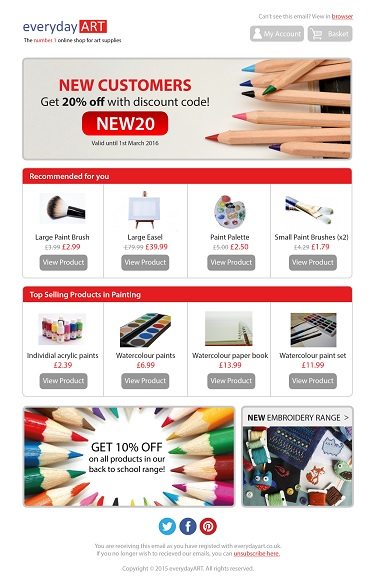
Email marketing products are tools that send and track bulk email. They manage contacts, build emails, and measure results. Many also handle automation, data sync, and compliance. They aim to boost reach and revenue while keeping your list safe.
You will also hear the term ESP. It means email service provider. Core parts include the editor, the database, the send engine, and the reports. The best tools feel simple but scale with you.
In my work, the winners did three things well. They synced clean data in near real time. They made complex flows easy to build. They kept deliverability high with smart defaults. These traits matter more than one flashy feature.
Key Features To Compare In Email Marketing Products
Look for features that match your goals and team size. Focus on the basics first. Add extras later when you need them.
- List and segment management. Create saved segments by behavior, tags, and events.
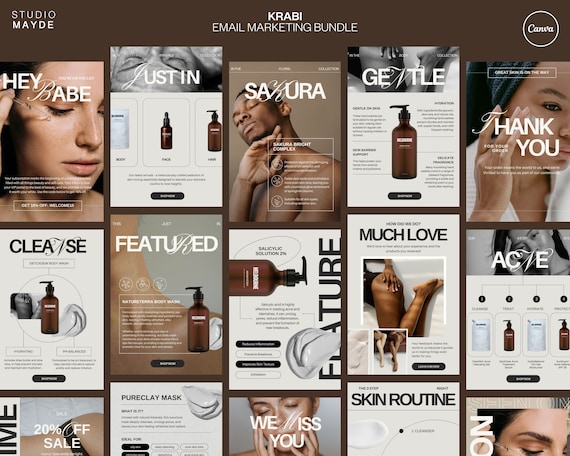
- Visual editor and templates. Drag-and-drop blocks and mobile-ready layouts.
- Automation builder. Triggers, delays, splits, and goals you can see and edit fast.
- Personalization. Merge fields, dynamic blocks, and product or content feeds.
- Testing tools. A/B and multivariate tests with clear winners.
- Deliverability tools. Bounce rules, spam checks, and blocklist alerts.
- Analytics. Click maps, cohort views, revenue per send, and source tracking.
- Integrations. Native apps for your store, CRM, and payments.
- Compliance. Consent fields, double opt-in, and easy unsubscribe.
- Scale and support. SSO, roles, audit logs, and real-time chat.
As you compare, test real tasks. Build a welcome flow. Make a cart or form follow-up. Pull a segment for a campaign. If it feels slow or unclear, move on.
Types Of Email Marketing Products
Different teams need different tools. Match your use case to the right type.
- Solopreneur and creator. Easy editors, forms, and paid newsletter tools.
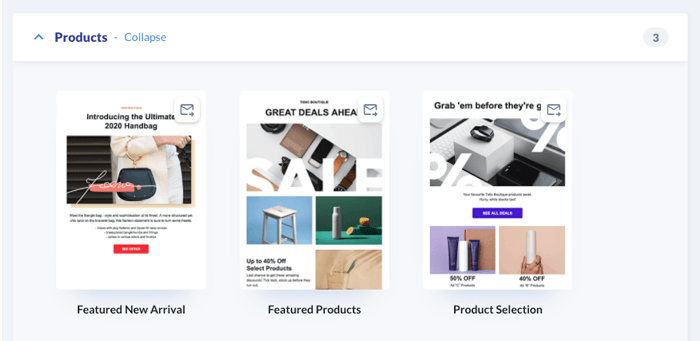
- Ecommerce. Deep product feeds, carts, and order events. Strong flows and SMS add-ons.
- B2B and SaaS. Lead scoring, CRM sync, and account views.
- Media and publishers. RSS, referral programs, and ad placement tools.
- Enterprise. Global scale, complex roles, and custom data models.
Well-known options exist in each group. Many shops start simple and upgrade later. Watch for lock-in. Exports, APIs, and clear contracts will help you switch if needed.
Pricing Models And Hidden Costs
Most email marketing products use one of these models.
- Contacts. Pay by number of contacts in your list.
- Sends. Pay by the number of emails you send.
- Tiered bundles. Pay for features and limits at each tier.
- Hybrid. A mix of contacts, sends, and add-ons.
Plan for extra costs. Warm-up time for new domains and IPs. Extra user seats. Dedicated IPs. SMS credits. Advanced reporting. Overages can add up fast.
I once saved a client 22% by pruning stale contacts. Many tools bill for all contacts, not only active ones. Clean your list before you sign. Negotiate based on active sends.

Deliverability, Compliance, And Trust
Good deliverability is the bedrock. Without it, nothing else matters. Set up the basics well.
- Authenticate your domain with SPF, DKIM, and DMARC.
- Use a custom tracking domain for links and images.
- Warm new sending domains slowly over two to four weeks.
- Use clear consent. Double opt-in is safer for new lists.
- Clean bounces and spam traps. Remove hard bounces at once.
Industry studies show that welcome emails often get the best open and click rates. That is a good place to start. Watch complaint rates and unsubscribes. Keep spam complaints near zero. Send helpful content on a steady schedule.

Automation And Segmentation That Drive ROI
Automation lifts results with less work. Segmentation makes each send feel personal. Together, they do the heavy lifting.
Start with four power flows.
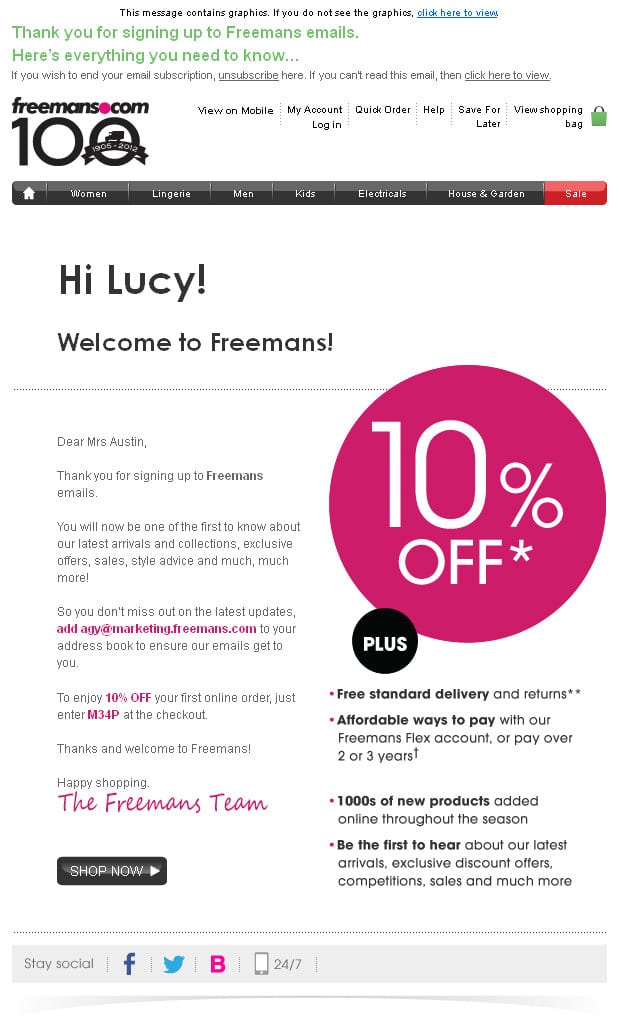
- Welcome. 2–4 emails. Set the tone, promise value, and offer one easy action.
- Cart or form follow-up. Send a gentle nudge. Add social proof. Give a clear next step.
- Post-purchase. Thank the buyer. Share tips. Ask for a review later.
- Re-engagement. Win back quiet users. If no action, remove them.
Add smart segments.
- New vs repeat buyers.
- High spenders vs browsers.
- Engaged in last 30 days vs not.
- Topic or product interest.
In one small store, a 3-step cart flow lifted revenue by 18% in the first month. The trick was simple copy and one call to action per email. Email marketing products make this easy once your data is clean.
Analytics And Testing That Matter
Measure what helps you decide. Ignore vanity metrics.
- Delivery rate and spam complaints.
- Click-through rate and click-to-open rate.
- Conversions and revenue per send.
- List growth, churn, and engaged contacts.
- Time to first purchase from signup.
Open rates are less reliable due to privacy changes. Use clicks and conversions as your north star. Run tests with one change at a time. Let tests run to a clear sample size. Keep a small holdout to measure the true lift of your program.

Integrations And Data Quality
Your email engine needs clean fuel. That fuel is your data. Sync it well.
- Connect your store, CRM, forms, and support tools.
- Map fields before import. Use clear names and formats.
- Send key events. Signups, views, carts, orders, renewals, and refunds.
- Use a customer ID that stays the same across systems.
Test flows with live data. Check that segments update fast. Review logs for drops and errors. If data is late or wrong, your automation will miss the mark.
A 30-60-90 Day Implementation Plan
Here is a simple plan you can use. It works for most teams.
Days 1–30:
- Pick your email marketing products and sign the deal.
- Set DNS. Add SPF, DKIM, and DMARC. Add tracking domain.
- Import clean contacts. Tag source and consent.
- Build brand templates. Test across devices.
Days 31–60:
- Launch the welcome and cart or form flow.
- Ship a weekly or biweekly campaign.
- Set baseline metrics. Fix early deliverability issues.
- Start A/B tests on subject lines and CTAs.
Days 61–90:
- Add post-purchase and re-engagement flows.
- Build key segments for lifecycle sends.
- Set a monthly review. Kill what does not work. Scale what does.
Common Mistakes And How To Avoid Them
These are the traps I see most.
- Batch and blast. Fix: Segment by behavior and send less but smarter.
- No welcome flow. Fix: Launch a simple two-email series this week.
- Dirty lists. Fix: Verify new emails and scrub inactive contacts.
- Long emails with many asks. Fix: One goal per email.
- Slow load and heavy images. Fix: Use compressed images and live text.
Your email marketing products can be great. But they cannot rescue poor inputs. Start small. Stay focused. Improve one piece each week.
Best Email Marketing Products By Use Case
There is no single best tool. There is the best fit for your needs. Here is a helpful way to think about it.
- Creators and coaches. Look for simple editors, paid newsletters, and checkout.
- Ecommerce. Choose deep shop integrations, feeds, and strong automations.
- B2B and SaaS. Pick strong CRM sync, lead scoring, and account views.
- Media brands. Seek referral tools, ad slots, and fast list growth features.
- Enterprise. Require SSO, compliance logs, and custom data paths.
Shortlist three vendors. Run the same test plan with each. Do a live build with your data. Let your team vote on speed and ease. Your future self will thank you.
ROI And Benchmarks To Guide You
Email still returns strong ROI. Many studies report returns that beat other channels. Your results will vary by list health and offer.
Track these simple targets as a start:
- Click rate. Aim for 1–3% on broad sends. Higher on segmented sends.
- Unsubscribe rate. Keep under 0.3% per send.
- Complaint rate. Keep near 0.01% or less.
- Revenue per subscriber. Trend this by month and by segment.
Use this ROI check. ROI = (Revenue from email − Cost of email marketing products − Staff time) ÷ Cost. Review monthly. Improve one lever at a time.
Frequently Asked Questions of email marketing products
What are email marketing products?
They are tools that send, automate, and track emails at scale. They manage contacts, templates, flows, and reports for your campaigns.
How do I choose the right email marketing products?
Start with your use case and data needs. Run a short proof of concept with real tasks and compare ease, speed, and results.
Are emails still effective in 2025?
Yes. Email delivers strong, steady ROI when lists are clean and content is useful. It also offers control you do not get on social platforms.
How often should I email my list?
Start with one useful send per week. Let engagement guide frequency by segment, and reduce for less active contacts.
What metrics matter most?
Focus on clicks, conversions, and revenue per send. Watch complaint and unsubscribe rates to protect deliverability.
Do I need double opt-in?
It is safer for new lists and risky sources. It reduces spam traps and boosts long-term list health.
Conclusion
The right email marketing products turn your list into a steady growth engine. Pick tools that fit your data, team, and goals. Build core flows first. Then test, measure, and scale the winners. Small, steady gains add up fast.
Take one step today. Map your four key flows. Clean your list. Run a 30-day test with a clear goal. If you found this useful, subscribe for more practical guides or share your questions in the comments.
Leave a Reply