
Free website building sites let you launch a quality website fast with zero cost.
If you need a simple site without learning code, free website building sites can get you online today. I’ve built dozens of sites for blogs, portfolios, and small businesses using these tools. In this guide, I explain how they work, where they shine, and where they fall short, so you can choose the right fit and avoid common mistakes. By the end, you will know the best free website building sites and exactly how to launch a polished site in an hour.

What are free website building sites?
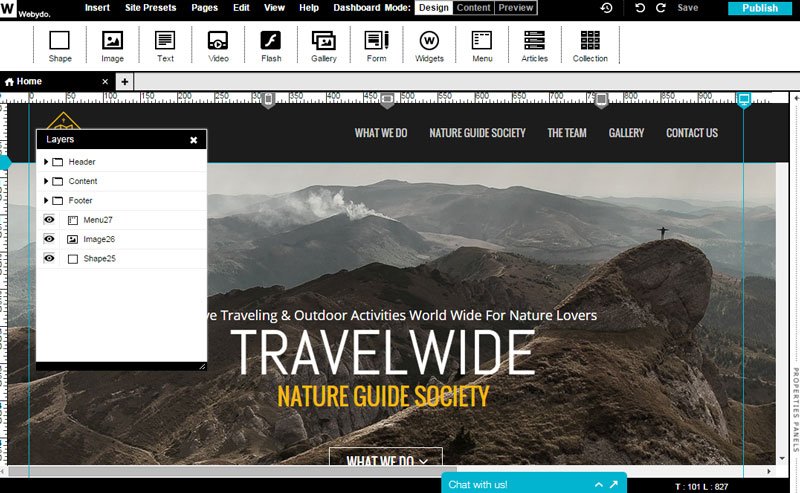
Free website building sites are hosted tools that let you design, publish, and manage a website without buying hosting or writing code. They use drag and drop editors, ready-made templates, and built-in features like forms, galleries, and SEO settings. You sign up, choose a template, customize, and click publish. Your site lives on a subdomain until you connect a custom domain.
They work well for personal projects, student portfolios, community pages, and early-stage startups. Most free website building sites include SSL, basic analytics, and mobile-friendly layouts by default. You can upgrade later for a custom domain, more storage, and extra features like ecommerce or advanced SEO.
Free plans have limits, but they help you test ideas, validate content, and learn what your audience needs. That learning can save time and money when you scale.
Benefits and drawbacks of free website building sites
Free website building sites have clear strengths.
- No hosting costs. You can launch without a credit card.
- Simple tools. Drag and drop features reduce setup time and stress.
- Quick publishing. You can ship a site in an afternoon and iterate.
- Built-in basics. SSL, templates, and mobile-ready pages are standard.
There are also trade-offs you should expect.
- Platform ads or branding. Your site may show a small banner or footer note.
- Subdomain instead of your own domain. Branding and trust can suffer.
- Feature caps. Limited pages, storage, or ecommerce tools on free tiers.
- Portability issues. Moving your design to another platform can be hard.
From my experience, free website building sites are perfect for proof-of-concept and lean launches. But if you plan to run paid ads, collect leads at scale, or sell products, you will likely upgrade within months.

How to choose the right free website builder
Pick a tool that fits your goals first, not just what is popular. Use this checklist.
- Goal clarity. Is it a portfolio, blog, brochure site, or store?
- Editing style. Do you want pixel-perfect design, or simple sections?
- Template quality. Look for clean typography, fast load, and good mobile layouts.
- SEO basics. Custom titles, meta descriptions, alt text, and sitemap control.
- Limits. Check page caps, storage, bandwidth, and form submissions.
- Monetization. Can you add payment buttons, affiliates, or ad scripts later?
- Data control. Export options, backups, and content portability.
- Support and community. Tutorials, forums, and onboarding help.
I advise creating a one-page draft of your content before signing up. Then test two free website building sites with the same content. You will quickly see which editor feels right and which template supports your brand.
The best free website building sites in 2025
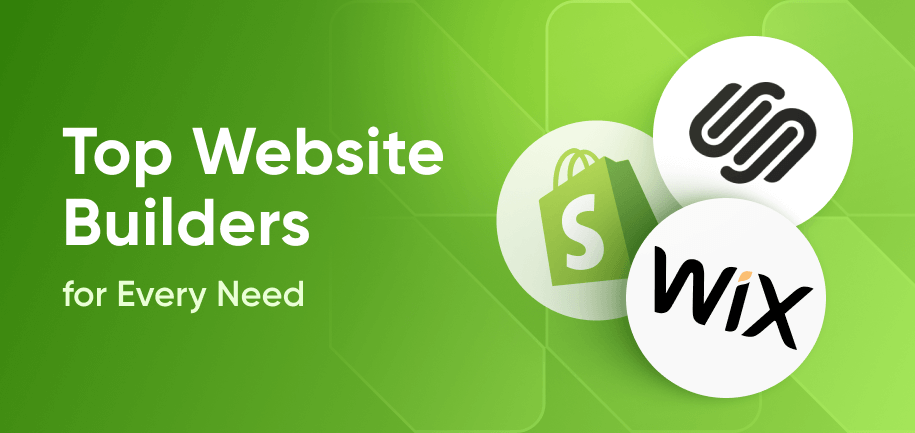
Below are the free website building sites I recommend, with notes from real use. All have free plans; most offer upgrades for domains and advanced features.
-
Wix
Best for rich visuals and many apps. Large template library and flexible editor.
Limits: Wix ads, no custom domain on free plan, storage caps. -
WordPress.com
Best for blogs and content-heavy sites. Strong editor and growth path to paid plans.
Limits: WordPress.com ads, limited plugins on free tier. -
Weebly
Best for simple small business pages with basic ecommerce. Easy to learn.
Limits: Branding on free plan, fewer design controls than Wix. -
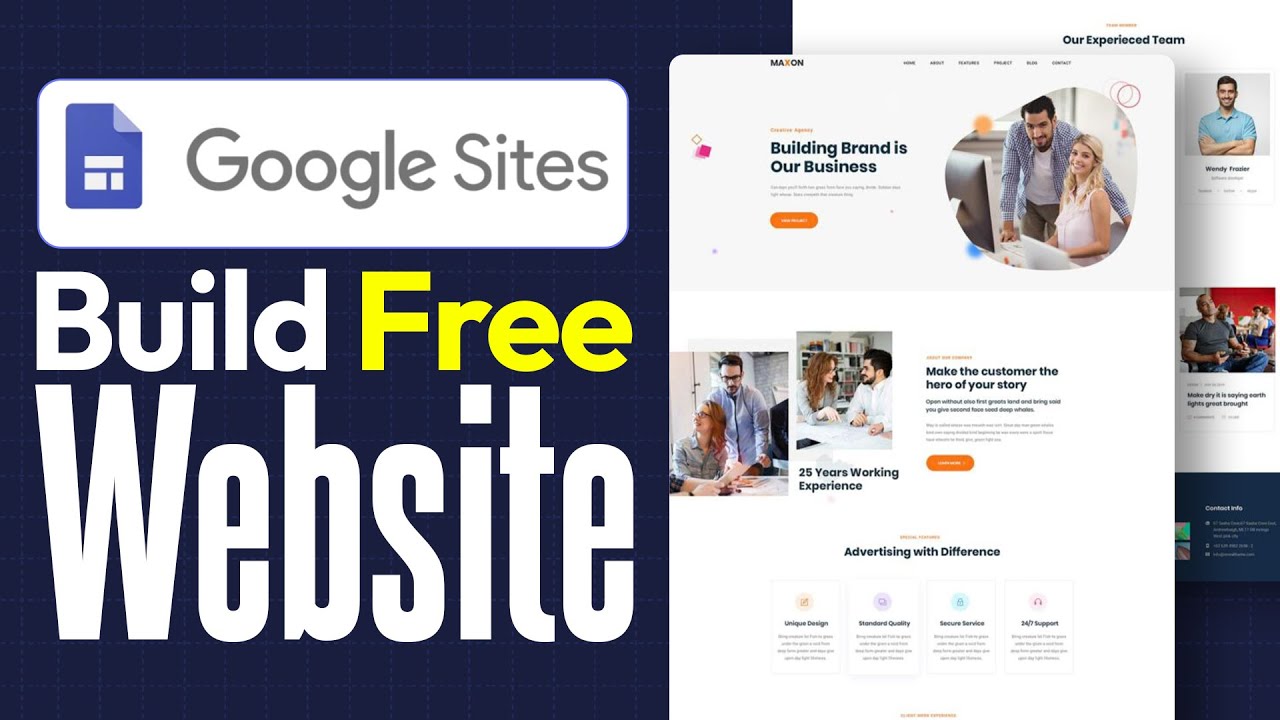
Google Sites
Best for internal pages, school projects, and simple portfolios. Very stable.
Limits: Minimal SEO and design options. -
Carrd
Best for one-page sites and personal landing pages. Very fast and clean.
Limits: One page per site on free plan, limited forms. -
Webflow
Best for designers who want precise control and clean code output.
Limits: Learning curve and webflow.io subdomain on free plan. -
Strikingly
Best for quick, mobile-first one-pagers with a modern look.
Limits: Ads and page caps on free plan. -
SITE123
Best for beginners who want a guided setup and simple layouts.
Limits: Less design freedom and builder branding. -
Jimdo
Best for lightweight business sites with AI-assisted setup.
Limits: Template flexibility and feature depth on free plan. -
GitHub Pages
Best for developers and technical users. Free, fast, and supports static sites.
Limits: Requires Git and static site workflow; no visual builder. -
Tilda
Best for clean editorial design with strong typography.
Limits: Page limits and builder branding on free plan. -
Dorik
Best for minimal landing pages with modern blocks.
Limits: Feature caps and branding until upgraded.
Tip: Create a shortlist of two or three free website building sites that match your goals, then do a timed 30-minute build on each. Choose the one that lets you finish more in less time.

Hands-on setup: from idea to live site in one hour
Follow this simple, repeatable plan to ship fast.
- Define the goal in one sentence. Example: Book 10 demo calls per month.
- Pick a template that supports that goal. Look for clear calls to action.
- Draft your copy. Headline, three benefits, one proof point, and a call to action.
- Add images. Use compressed, royalty-free images with descriptive file names.
- Set SEO basics. Title tag, meta description, and alt text on every image.
- Connect basic analytics. Use a free analytics tool or built-in stats.
- Test on mobile. Tap every link and check readability on a small screen.
- Publish. Share with five people and collect feedback within 24 hours.
I use this framework across free website building sites to keep momentum high. Your first version should be simple and fast. Iterate weekly with real data.
SEO and performance tips for free website building sites
Search engines reward clarity, speed, and useful content. Even on free website building sites, you can get results.
- Structure pages with one H1, short paragraphs, and descriptive headings.
- Write human-friendly titles and meta descriptions with your main keyword.
- Keep images small. Target 100 KB or less with modern formats when possible.
- Use internal links. Connect related pages to guide readers and crawlers.
- Enable SSL. Most free website building sites include it; make sure it is active.
- Build topical depth. Publish helpful guides, FAQs, and how-tos around your niche.
- Track performance. Watch search queries and improve pages that rank on page two.
- Avoid heavy scripts. Fewer widgets usually means faster load.
From side-by-side tests, simple pages on lean builders often load faster than complex designs. Keep your layout clean. Let content do the heavy lifting.
Monetization, security, and legal basics on free plans
Free plans can support simple monetization if you plan ahead.
- Lead capture. Use built-in forms and connect notifications to your email.
- Services. Add a booking link or payment button if allowed by the platform.
- Affiliates. Link to partners with clear disclosures.
Protect visitors and your brand from day one.
- SSL should be on by default. Verify that your site shows the lock icon.
- Use a privacy policy and contact details. Even basic sites need them.
- Keep content backed up. Copy key text to a safe place outside the builder.
Read your platform’s terms. Some free website building sites limit third-party scripts or ad placements. Know the rules to avoid surprises.

Real-world lessons: what I learned building 30+ free sites
Here are practical insights that saved me time and money.
- Start narrow. One clear goal beats a crowded homepage every time.
- Choose the fewest features you need. Extra widgets slow pages and distract users.
- Ship version one quickly. Feedback from real people beats endless polishing.
- Templates are starting points. Swap fonts, tighten spacing, and use your own photos.
- Track one metric. For a portfolio, it could be message replies; for a blog, time on page.
Mistakes to avoid.
- Building on the wrong tool. Match the editor to your skills and your site’s job.
- Ignoring mobile. Most traffic is mobile. Test on different phones.
- Skipping backups. Export or save your copy in a separate document.
These habits turn free website building sites into reliable launch pads rather than one-off experiments.
When to upgrade beyond free
Free gets you started. Upgrade when the site must reflect a strong brand or support growth.
- You need a custom domain for trust and higher conversions.
- You require more pages, storage, or ecommerce features.
- You want to remove platform ads and add advanced SEO tools.
- You need integrations like email marketing, CRM, or custom scripts.
Costs vary, but many paid plans are less than a weekly coffee habit. When the site brings leads or sales, that upgrade often pays for itself within weeks.
Frequently Asked Questions of free website building sites
Are free website building sites good for business?
They are fine for testing ideas and launching a basic online presence. For long-term branding, a paid plan with a custom domain is better.
Which free website builder is best for beginners?
SITE123, Weebly, and Carrd are very easy to learn. They have simple editors and helpful onboarding that reduce setup time.
Can I rank on Google with a free plan?
Yes, if your content is useful and pages are fast and clear. A custom domain and better SEO controls can improve results later.
Do free website building sites allow ecommerce?
Some do, but with limits like fewer products or transaction fees. For serious stores, upgrade to a plan with full checkout and inventory tools.
Can I move my site to another platform later?
Content can often be copied, but exact designs rarely transfer. Plan for portability by keeping your text and images stored outside the builder.
Conclusion
Free website building sites make it simple to launch, learn, and grow without risk. Start with a clear goal, pick a builder that matches your skill level, and ship a lean version fast. Improve with real feedback, then upgrade when the site starts driving results.
Your next step is simple: choose two free website building sites from the list, build a one-page draft on each, and publish today. If this guide helped, subscribe for more hands-on tutorials and leave a comment with the builder you chose and why.
Leave a Reply