
Neuron writer is an AI-powered SEO editor that guides you to rank content faster.
I have used neuron writer across dozens of projects, from brief to publish. It blends SERP research, semantic terms, and a clear content score. In this guide, I share how neuron writer works, where it shines, and how to use it with confidence. If you want a full, expert take on neuron writer, you are in the right place.

What is neuron writer?
Neuron writer is an SEO content tool. It helps you plan, write, and optimize pages based on search intent. It analyzes top-ranking pages and suggests terms, topics, and structure. You write inside a clean editor and track a live score.
The tool uses natural language processing to map entities and themes. It also pulls questions from the SERP. You get ideas for titles, headings, and angles. The goal is simple: make content that users and search engines trust.

How neuron writer works
Neuron writer starts with a keyword. It scans the SERP and finds patterns in the top pages. It highlights key entities, common headings, and user questions. It then builds a brief and a list of terms you should cover.
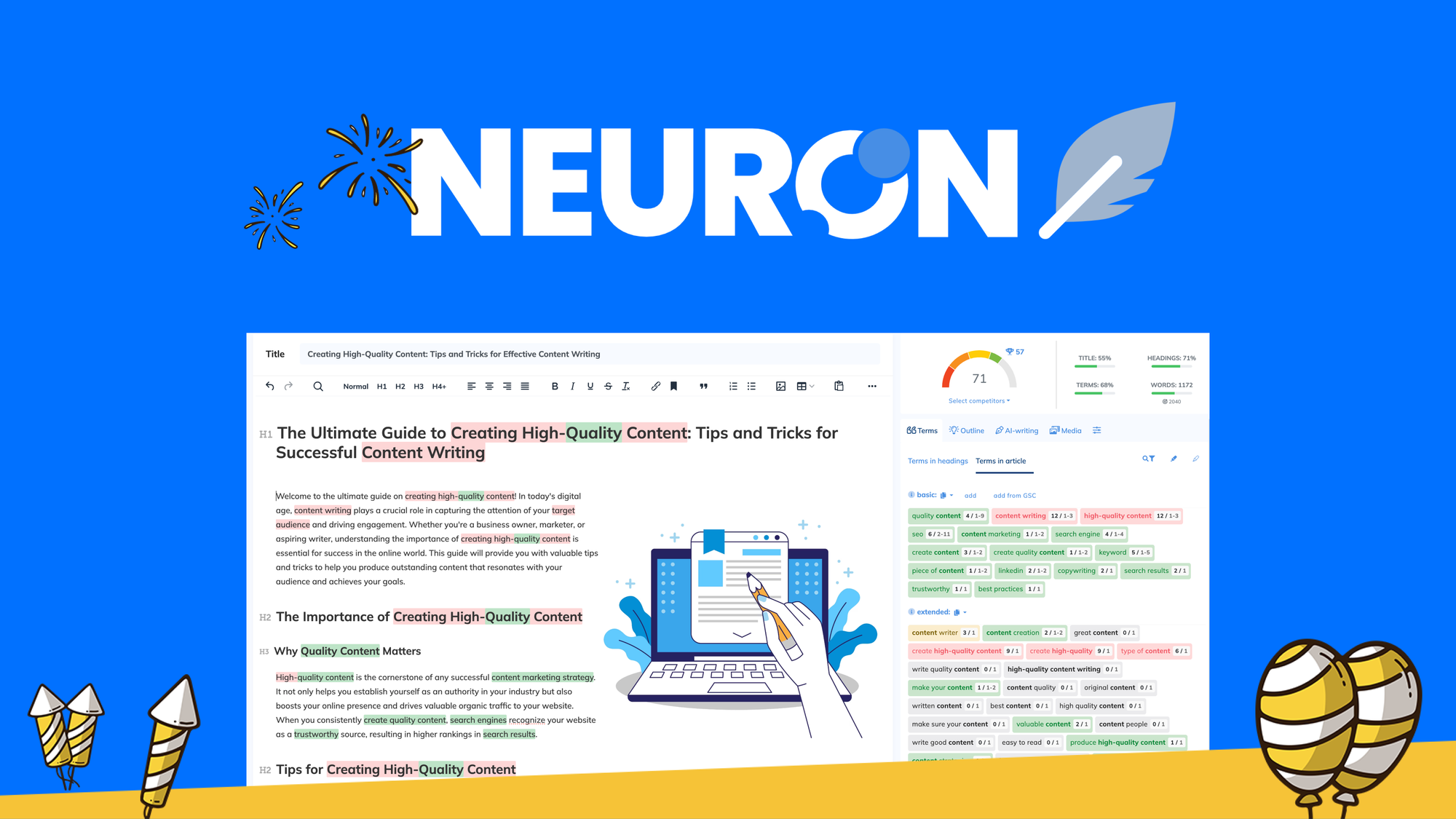
You write inside the editor. As you write, neuron writer updates your score. It tracks word count, headings, terms used, and intent match. You can also use its AI help to draft sections or expand points.
- SERP analysis surfaces what the top 10 pages cover.
- NLP terms show entities and related phrases.
- Content score nudges you to cover gaps without stuffing.

Key features that matter for SEO
- SERP-based brief The tool builds a brief from live results. This keeps your draft aligned with real user intent.
- NLP term suggestions It shows terms with weights and frequency ranges. You can cover each term in a natural way.
- Content score The score updates with every line. It rewards depth, clarity, and topic coverage.
- Questions and ideas Pulls People Also Ask, related searches, and headings used by competitors.
- Internal linking help Finds pages on your site that can link to your new article.
- AI writing assists Drafts outlines, intros, and FAQs based on your brief.
- Multi-language support Useful if you publish across regions and markets.
From my use, the content score maps well to ranking needs. It is not magic. But it is a strong checklist that keeps drafts on track.

A step-by-step workflow to use neuron writer
- Pick a target keyword Choose a main term with clear intent and a chance to rank.
- Create a new document Let neuron writer scan SERPs and build your brief.
- Review the outline Pick H2s and H3s, plus questions to answer.
- Draft with focus Write short, clear paragraphs. Follow the brief, not the score alone.
- Optimize with NLP terms Add missing entities where they fit. Keep it natural.
- Check competitors Compare gaps in topics, examples, or media.
- Add internal links Link from and to the new page with helpful anchor text.
- Publish and monitor Track clicks and dwell time. Update if the SERP shifts.
This simple loop works for blogs, product pages, and guides. It also scales across teams.

Real examples and lessons learned
I used neuron writer to refresh a stale guide in a competitive niche. The tool showed I missed key entities and two intent-based subtopics. I added them, split long sentences, and raised the score by 22 points.
The page saw steady gains over six weeks. Impressions rose first, then clicks. The lesson is clear. neuron writer helps most when you pair it with updates, links, and patience. Results vary by niche, site strength, and timing.
Pros, cons, and who should use neuron writer
Pros:
- Strong SERP analysis It mirrors what users want to read.
- Clear scoring You always know what to improve next.
- Fast briefs Saves hours on research and outline work.
- Good value You get many features in one editor.
Cons:
- Not a silver bullet It cannot fix a weak site or thin links.
- Score chasing risk You can over-optimize if you ignore tone and flow.
- AI output needs edits Drafts are helpful but still need your voice.
Best for:
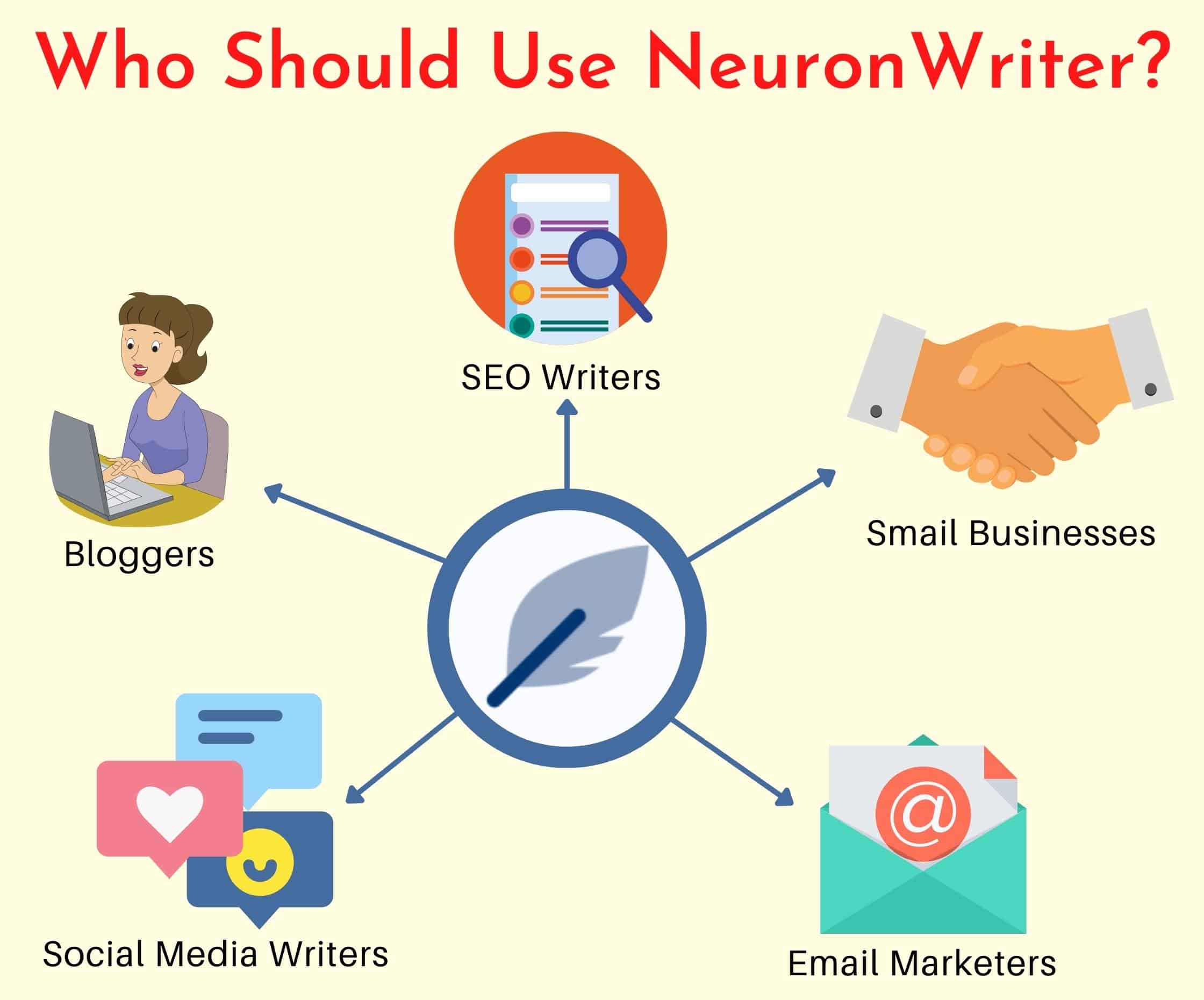
- Content teams that need scale and consistency.
- Solo creators who want a simple, smart SEO checklist.
- Agencies that must ship briefs and drafts fast.
neuron writer vs other content optimization tools
- Versus Surfer SEO neuron writer feels lighter and more brief-first. Surfer has strong audits and broader add-ons.
- Versus Clearscope neuron writer offers similar term coverage at a lower cost. Clearscope has a very clean editor and tight term quality.
- Versus Frase neuron writer leans into SERP and NLP depth. Frase shines in fast research and FAQ collection.
If you need a balanced tool for daily writing, neuron writer is strong. If you want audits at site scale, you may pair it with other tools.

Best practices to rank with neuron writer
- Start from intent Ask what the user wants in 10 seconds. Write to solve that need first.
- Short sentences, clear words This boosts readability and dwell time.
- Use examples and steps Convert advice into action. Readers remember steps.
- Place terms where they fit Add NLP terms in headers, body, and alt text. Avoid stuffing.
- Add images and tables Break blocks of text. Support claims with data.
- Update on a schedule Refresh content when SERPs change or your data shifts.
I also like to write the intro last. neuron writer makes it easy to check gaps before you polish.
Common mistakes to avoid
- Writing to the score, not the reader You can hit 80+ and still miss intent.
- Copying competitor headers without a new angle Add your own data or use cases.
- Ignoring E-E-A-T Add author bios, sources, and clear disclaimers when needed.
- Skipping internal links Link to helpful pages and return to the new page later.
One more note. Do not add every suggested term. Use the ones that serve the story.
Pricing, plans, and value
Neuron writer offers tiered plans for teams and solo users. Limits vary by projects, monthly analyses, and AI credits. You can start low and scale as your needs grow.
When I compare value, I look at time saved per draft. If neuron writer saves you two hours per article, the plan likely pays for itself. Trial and usage data help you choose the right tier.
Data, privacy, and AI ethics
Neuron writer sends your query and draft data to process suggestions. Treat it like any cloud editor. Avoid pasting sensitive data, and review account-level privacy settings.
AI is great at pattern spotting. It is weak at nuance. Always review claims, stats, and dates. Note your sources, even if you do not cite them on-page. This builds trust and cuts risk.
Metrics to track after publishing
- Primary metrics Clicks, impressions, average position, and CTR.
- Engagement metrics Time on page, scroll depth, and bounce rate.
- Conversion metrics Sign-ups, demos, or sales tied to the page.
- Content health metrics Internal links gained, backlinks, and updates made.
Give a page four to eight weeks before big edits. Use neuron writer to guide refresh cycles.
Frequently Asked Questions of neuron writer
Is neuron writer good for beginners?
Yes. The brief, score, and tips are easy to follow. You can draft and optimize in one place.
Does neuron writer replace an editor?
No. It is a smart guide, not a human editor. You still need tone, style, and fact checks.
Can neuron writer help with old posts?
Yes. Run old URLs as projects, compare gaps, and refresh sections. Many pages gain from added entities and clearer headers.
How often should I update content made with neuron writer?
Check key pages every one to three months. Update when SERPs shift, your offer changes, or performance dips.
Will using neuron writer guarantee rankings?
No tool can guarantee rankings. It raises your odds by aligning content with intent and coverage.
Conclusion
Neuron writer brings structure, speed, and clarity to SEO writing. It helps you match search intent, cover key entities, and ship better drafts. With a clear process and honest edits, it becomes a daily asset.
Start with one target page this week. Build a brief in neuron writer, draft fast, and optimize with care. If you found this helpful, subscribe for more guides or leave a comment with your use case.
Leave a Reply