
Meetn is a browser-first video meeting and webinar platform built for growth.
If you want a fast, clean way to host calls, demos, and events, meetn is worth your time. I have planned launches, sold products, and trained teams with meetn. This guide gives you deep, practical insight into meetn, how it works, where it shines, and how to get real results without tech hassle. Read on to learn the best ways to set up meetn, avoid common mistakes, and make every session count.

What is meetn?
Meetn is an online meeting and webinar platform. It runs in the browser and focuses on simple join flows, stable video, and clean controls. It aims to help teams host client calls, live trainings, and marketing events without complex setup.
The core idea is no downloads, less friction, and strong engagement tools. That is what makes meetn stand out for sales, education, and customer success. If you need a smooth path from invite to live call, meetn keeps the process short and clear.
Key points at a glance:
- Browser-based access with a simple join link.
- Live video, screen share, and cloud recordings.
- Tools for webinars, events, and on-demand replays.
- Options for branding and registration.
- Integrations for email, CRM, and payments.
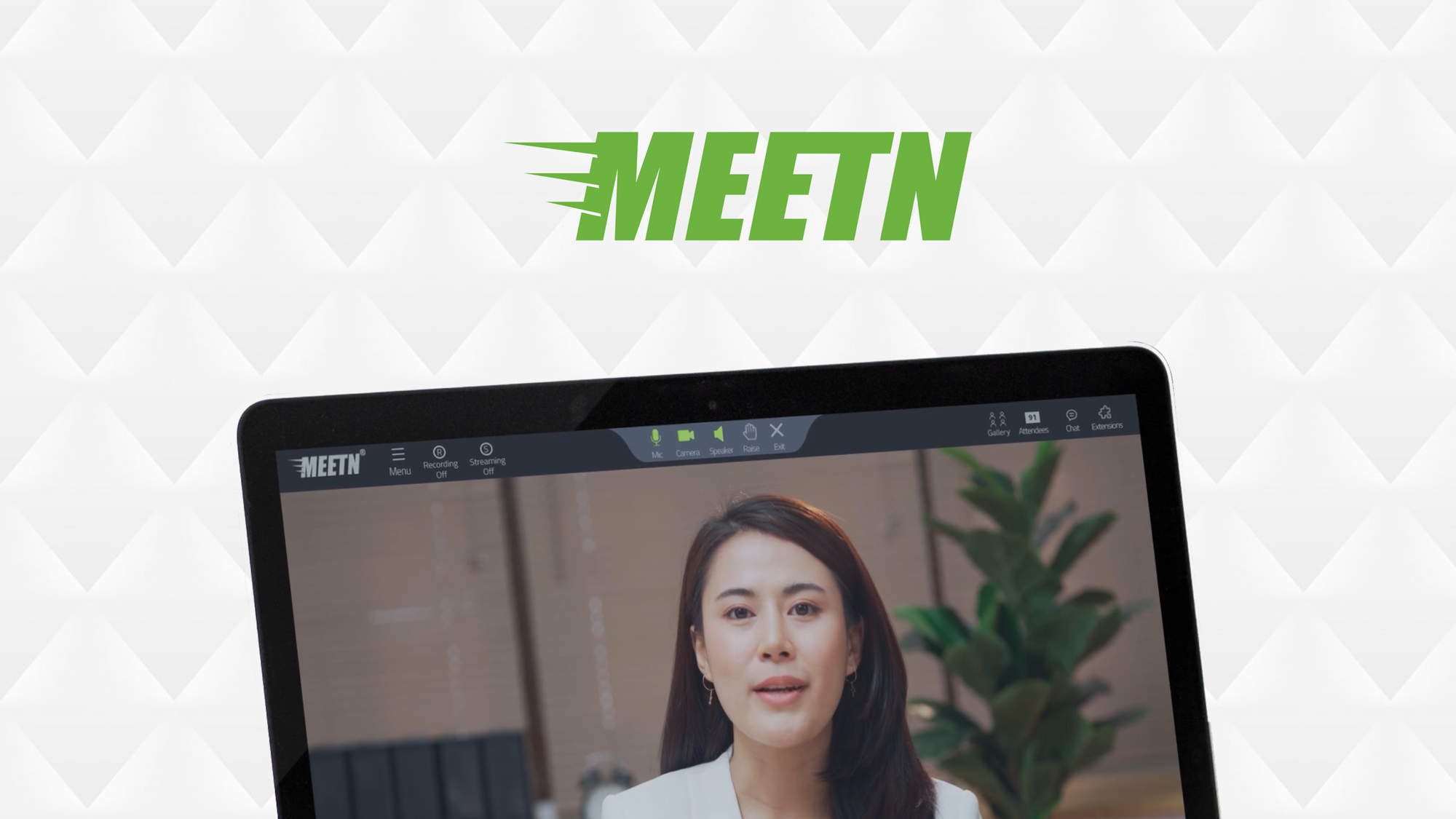
How meetn works: architecture and workflow
Meetn uses WebRTC for real-time video in modern browsers. That gives low-latency audio and video with no installs for most users. The platform balances quality and bandwidth so calls stay smooth.
The typical workflow:
- Host creates a room. The host sets title, time, and access rules.
- Attendees join via a link. They allow mic and camera in the browser.
- The host manages the session. They can mute, share, record, and chat.
- After the event, the host shares replays. They can trim, download, or lock access.
Roles and permissions
- Host controls the room and recordings.
- Presenters can share screen and speak on stage.
- Attendees can watch, chat, and raise hands.
- Co-hosts help moderate and manage Q&A.
Join flow tips
- Test your mic and camera before go-live.
- Use a wired connection when possible.
- Close heavy apps to reduce CPU load.

Key features of meetn for business
Meetn covers daily meetings and large events. It gives tools to plan, engage, and follow up with leads and clients.
Meetings and webinars
- HD video and clear audio with auto-optimization.
- Screen share, tab share, and device share.
- Interactive chat, polls, Q&A, and reactions.
Recording and replays
- One-click cloud recording with storage options.
- Replay pages you can share or embed.
- Trimming and basic editing for clean replays.
Registration and email
- Custom registration pages for webinars.
- Email reminders and follow-up messages.
- Attendance and drop-off stats for analysis.
Branding and embeds
- Custom colors, logo, and headers.
- Branded waiting rooms and backgrounds.
- Embeds for your site or landing pages.
Security and access control
- Room locks, passcodes, and waiting rooms.
- Role-based access for hosts and presenters.
- Encrypted transport for video streams.
Integrations and automation
- Calendar invites and ICS support.
- CRM and marketing automation via connectors or API.
- Payment links for paid sessions or workshops.
In my use, meetn helped reduce late joins and tech confusion. Guests clicked a link and entered the room fast. That one change lifted show-up rates for live demos.
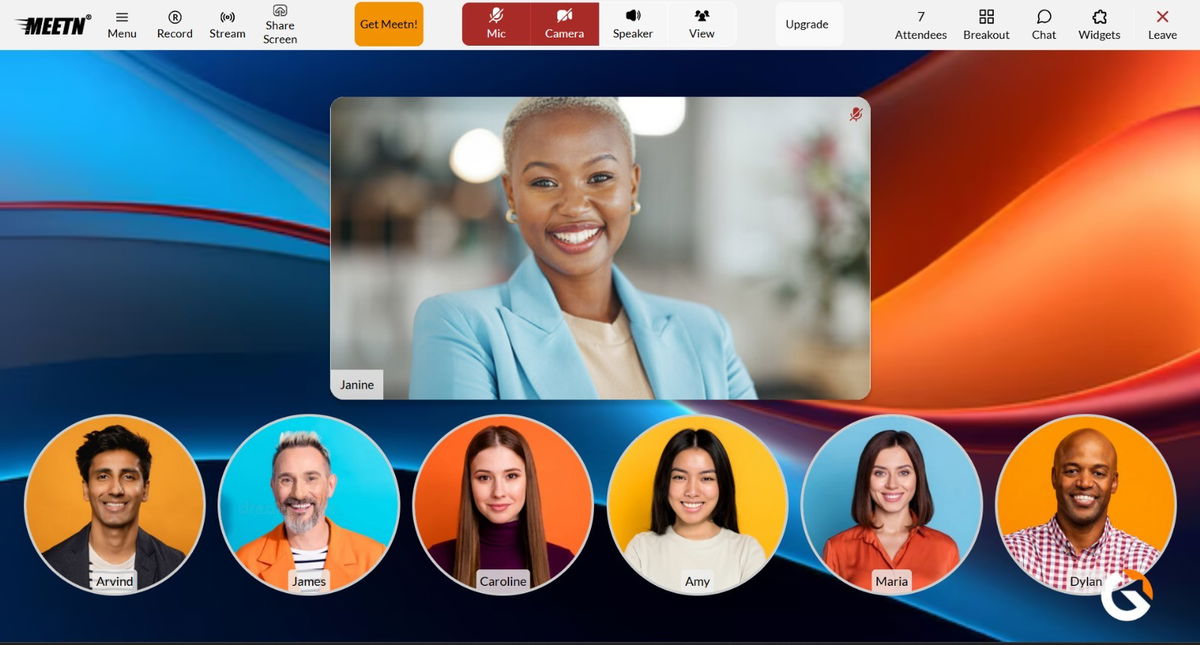
Practical use cases and playbooks
Meetn fits many workflows. Here are playbooks I use with clients.
Sales demos
- Send a short, branded invite with a one-click join.
- Start with a poll to qualify needs.
- Share a focused demo, then show pricing live.
- Record the session and send a replay with a summary and next steps.
Customer onboarding
- Host weekly sessions with a repeatable agenda.
- Use screen share to walk through setup.
- Drop links in chat for guides and templates.
- Collect questions in Q&A and send a recap.
Coaching and education
- Set rules for chat and Q&A at the start.
- Use polls at key points to check learning.
- Record with timestamps to build a course library.
- Offer office hours with a fixed meetn room.
Internal meetings
- Keep meetings short with a shared doc.
- Rotate facilitators and timekeepers.
- Record decisions and action items in chat.
- Share replays for people in other time zones.
Events and marketing
- Build a tight registration page with a clear promise.
- Send reminders at 24 hours, 1 hour, and 10 minutes.
- Use a strong opening and engagement moments every 5 minutes.
- Offer a replay and a clear call-to-action after the event.
Setup guide: getting started with meetn
Follow these steps to go live fast.
- Create your account and verify your email. Use your work domain.
- Set your brand. Add logo, colors, and a standard room background.
- Create a room. Name it and set host, co-hosts, and permissions.
- Configure access. Use a waiting room and a passcode for public events.
- Set recording defaults. Choose cloud recording and auto-start if needed.
- Build your registration page. Keep fields short and add clear benefits.
- Connect integrations. Sync your CRM and email tool for follow-up.
- Run a dry run. Test audio, layouts, and shared content.
- Go live. Arrive 10 minutes early and greet early attendees.
- Share replays. Send notes, links, and next steps within 24 hours.
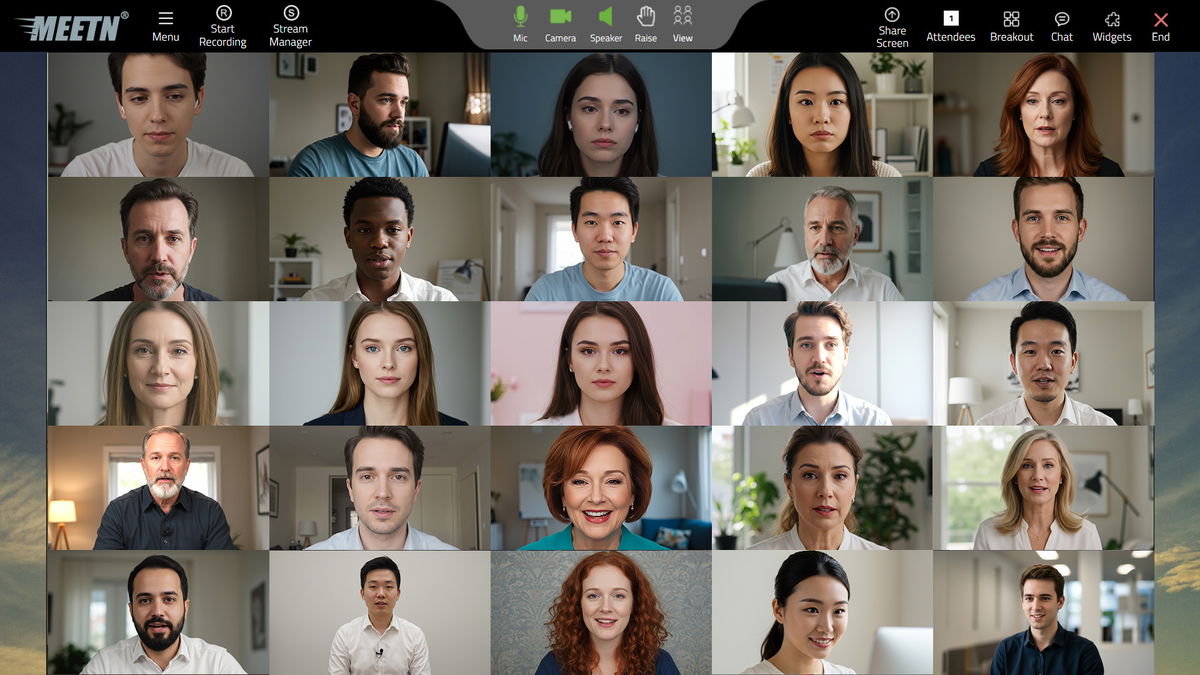
Best practices from real-world use
Here are lessons I learned while running meetn sessions at scale.
- Keep tech light. Slides, a browser, and a backup mic are enough.
- Cut slide text. Use big fonts and few bullets so focus stays on you.
- Design your opening. In the first two minutes, preview value and outcomes.
- Engage often. Use a chat prompt or poll every few minutes.
- Timebox Q&A. Save 10 minutes and repeat key answers.
- Label replays. Name files with date, topic, and audience segment.
- Use checklists. Run the same preflight steps for each session.
- Track signals. Watch join time, watch time, and drop-off points.
- Protect the room. Lock the room after five minutes for private calls.
- Have a plan B. Keep a phone dial-in or backup hotspot ready.
Mistakes to avoid:
- Overcomplicating layouts that distract viewers.
- Skipping dry runs with guest presenters.
- Ignoring access rules and creating join delays.
- Waiting days to send the replay and CTA.

Pros, limitations, and alternatives
Strengths of meetn:
- Fast, simple join in the browser.
- Clean host controls and recording flow.
- Solid tools for demos, trainings, and webinars.
- Branding that helps trust and conversion.
Potential limitations:
- Advanced production features may be lighter than studio tools.
- Large-scale events may need careful planning and rehearsal.
- Some legacy browsers may have limited support without updates.
When to consider alternatives:
- You need complex studio scenes or multi-cam switching.
- Your org mandates a specific suite for compliance reasons.
- You host very large conferences with multi-track sessions.
How meetn fits a stack:
- Use meetn for live sessions and replays.
- Connect CRM for lead routing.
- Use your email tool for nurture flows.
- Embed replays on your site for always-on content.
Pricing and ROI modeling
Pricing changes over time, so check the latest plan details in your account. Focus less on line items and more on outcomes. A light, stable join flow can raise attendance and close rates.
Simple ROI model:
- Inputs: number of sessions per month, average attendees, close rate, deal value.
- Estimate: added revenue from higher attendance and faster follow-up.
- Add: savings from fewer no-shows and less support time.
- Compare: monthly meetn cost vs. net revenue lift and time saved.
Tip: Track a baseline for one month before switching fully to meetn. Then compare attendance, call length, and close rate after the switch.
Troubleshooting and performance checklist
If a guest has issues, stay calm and use this quick list.
- Audio not heard: Check mic source in meetn, then OS settings, then browser permissions.
- Echo: Ask guests to use headphones or mute when not speaking.
- Video freeze: Reduce other app load. Switch to 720p if bandwidth is low.
- Screen share lag: Share a single tab or window, not the whole screen.
- Browser issues: Ask guests to update their browser and clear cache.
- Network drops: Move closer to the router or use a wired link. As a backup, switch to audio only.
- Recording failed: Verify storage and host permissions. Run a short test record before live.
Preventive steps:
- Start 10 minutes early to fix setup.
- Keep a help slide with quick tips.
- Assign a co-host to watch chat and Q&A.
Frequently Asked Questions of meetn
What is meetn used for?
Meetn is used for online meetings, webinars, trainings, and demos. It helps hosts run live sessions and share replays with simple tools.
Does meetn require downloads?
Most of the time, no downloads are needed. Attendees join in the browser with a link.
Can I record sessions in meetn?
Yes, you can record to the cloud and share a replay link. You can also trim basic parts before sharing.
Is meetn secure for client calls?
Meetn supports encrypted transport and access controls like passcodes and waiting rooms. Hosts can lock rooms and manage roles.
Does meetn integrate with CRM tools?
Meetn supports common integrations and APIs for CRM and email. You can automate follow-ups and log attendance.
How many people can join a meetn webinar?
Capacity depends on your plan and event type. Check your account limits before promoting a large event.
Can I brand my meetn room?
Yes, you can add your logo, colors, and a background. You can also brand registration and replay pages.
Conclusion
Meetn brings a simple, fast path from invite to live engagement. It cuts friction, supports clean recordings, and gives sales, marketing, and success teams a stable stage. With the right setup and habits, one link can power your demos, trainings, and events.
Start with a small pilot this week. Build a branded room, run a 30-minute session, and ship the replay the same day. Track the numbers, refine your flow, and scale what works. Want more? Subscribe for playbooks, templates, and step-by-step meetn guides.
Leave a Reply